Legal Assistant

Smarter Contract Drafting

A web-based tool designed to support in-house legal professionals in drafting and managing contracts more efficiently. The platform aims to reduce time spent on contract preparation, minimize human error, and provide seamless access to legal documents with flexible data customization that allows users to adjust and filter the information they need with ease.

[interface] screenshot of core features (for an ai developer tools)
Project type

Web Application

Tools

Figma · User Research · AI Functions

Timeline

3 months (Nov'23-Jan'24)

Role

UX/UI Designer

Team

2 UX, 1 UX Researcher and 1 PO

Company

AXONS / In-house legal team
15K

contracts handled per year

5

days per contract draft for KPI target

23

contract types across 3 categories

The problem

Fragmented tools, duplicated work

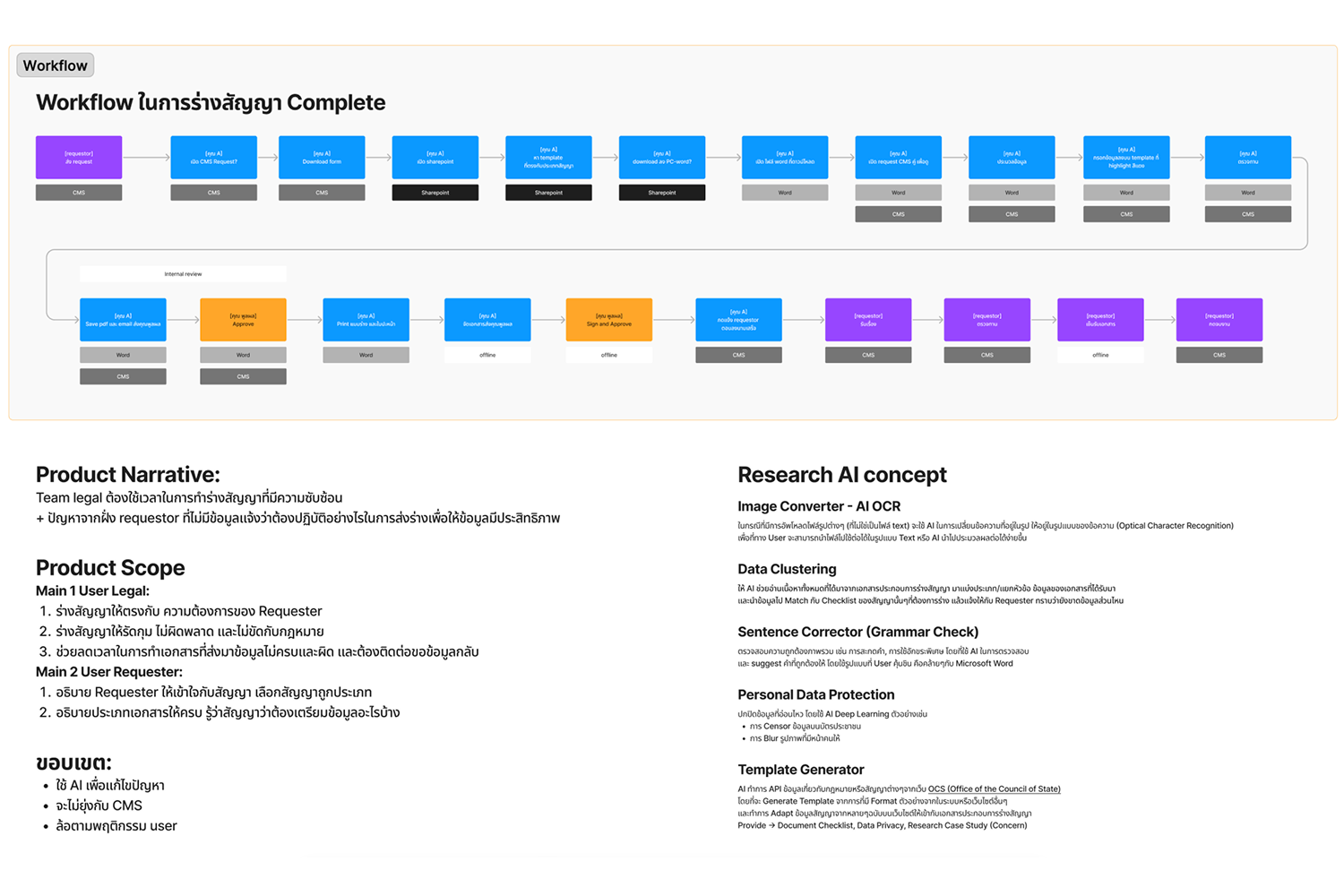
Legal staff switched between CMS, SharePoint, Microsoft Word, email, and printed documents just to complete one contract — with no automation or AI support at any step.

Incomplete requests caused back-and-forth

Requesters frequently submitted the wrong contract type or missing information, forcing the team to deny and restart — often losing multiple days per case.

No visibility into workload or status

The approver manually allocated work with no tracking system. Neither legal staff nor requesters had clear visibility into where a contract was in the process.

What I did

Research

Interviews & Observation

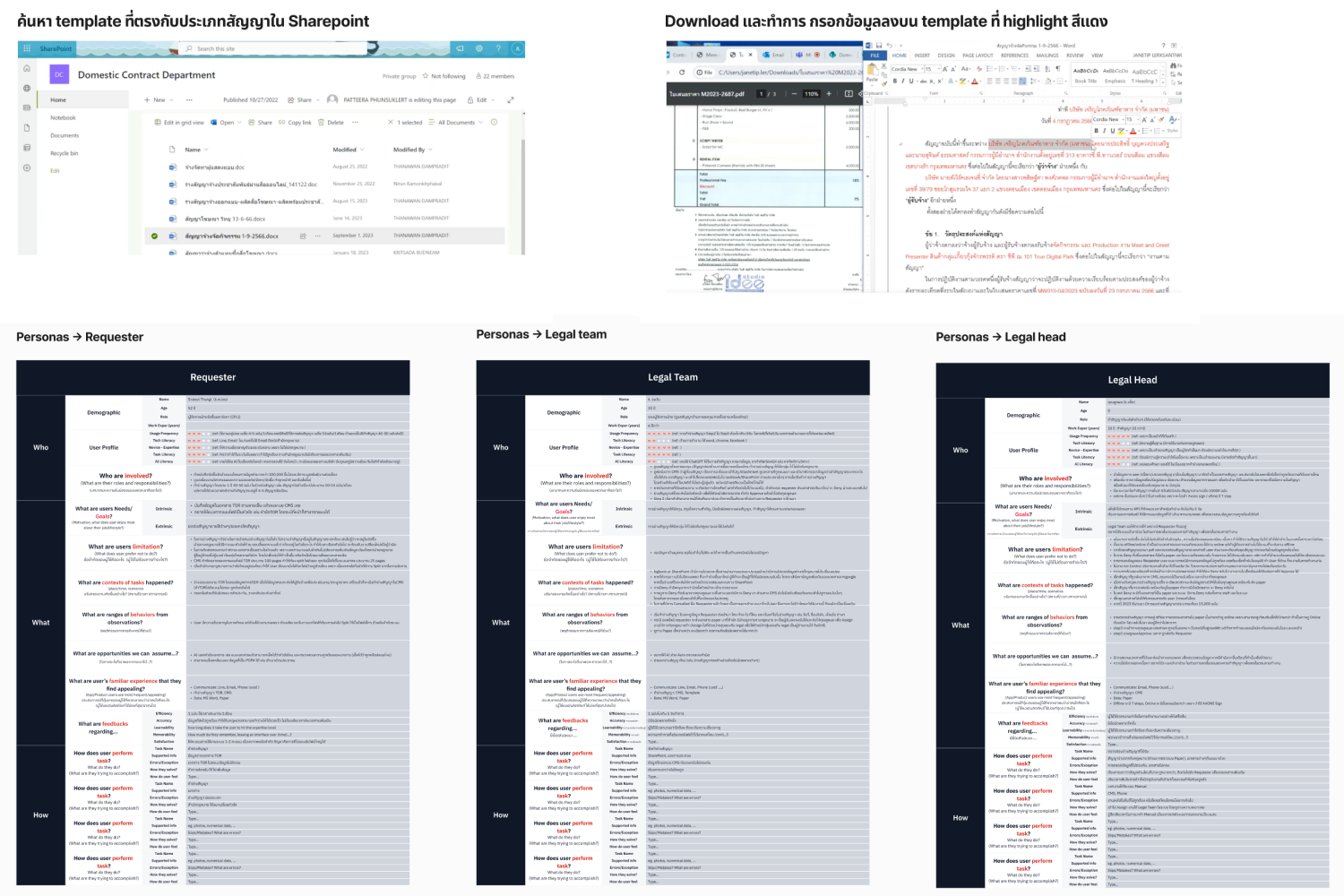
Conducted 1-on-1 sessions with legal staff, approvers, and requesters across the organization. Observed real drafting sessions from start to finish — watching how users moved between CMS, SharePoint, Word, and physical documents — to capture the full workflow and uncover friction that users themselves hadn't articulated.

[interface] image of hr software in action (for a hr tech)
[interface] image of hr software in action (for a hr tech)
Synthesis

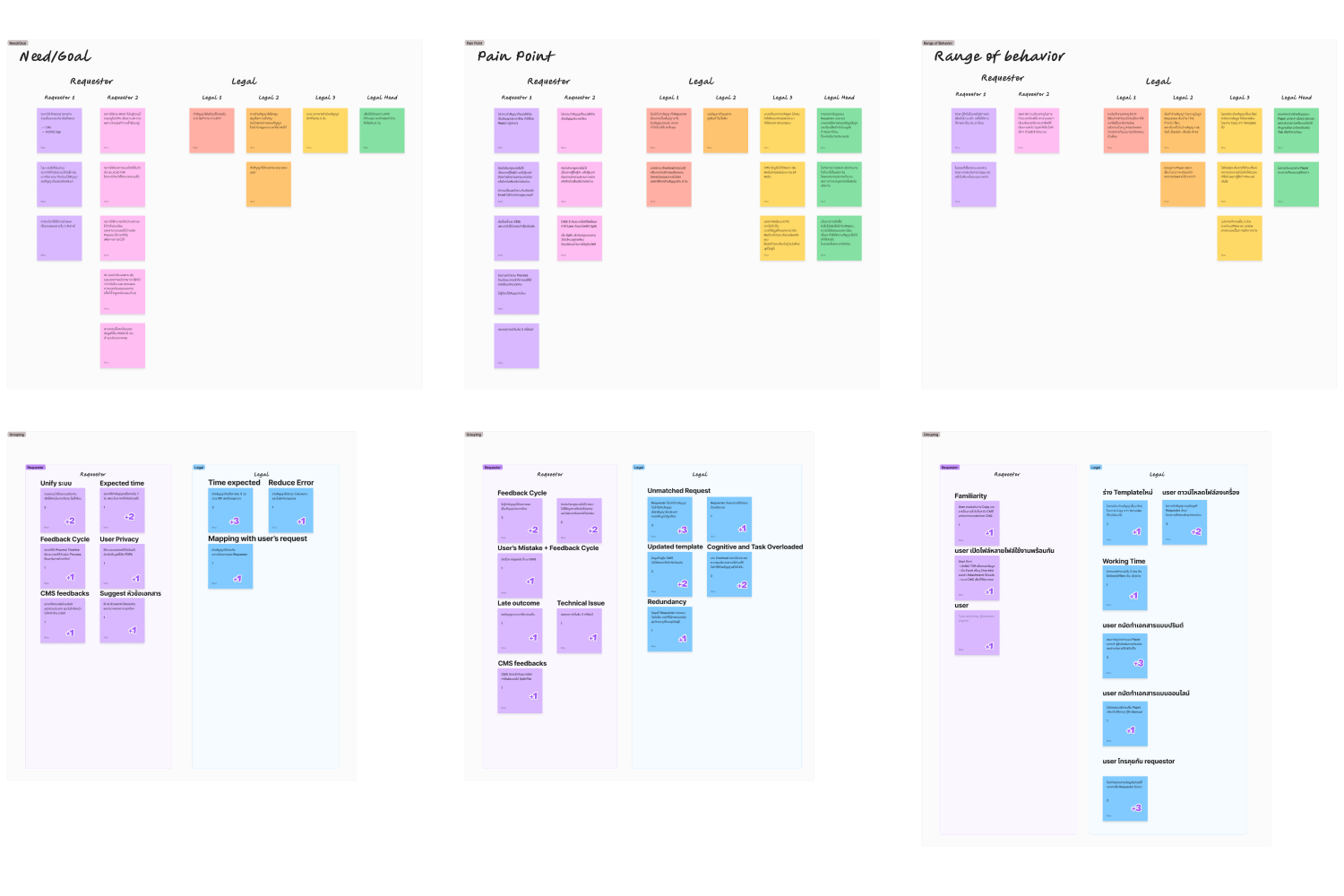
Affinity mapping & Journey analysis

Clustered hundreds of raw observations and interview notes into themes using affinity mapping. Built user journeys and workflow models for all three user groups — legal staff, approver, and requester — to identify where the most critical pain points and drop-off moments occurred across the contract lifecycle.

Strategy

Feature ideation & Scoping

Facilitated individual and group brainstorming sessions that generated 9 AI feature concepts — ranging from auto-fill and document classification to PDPA data blur. Led the team through a prioritization exercise to evaluate each idea against user needs, technical feasibility, and business value before defining the product scope.

[interface] image of hr software in action (for a hr tech)
[interface] image of hr software in action (for a hr tech)
Design

Wireframes & Prototyping

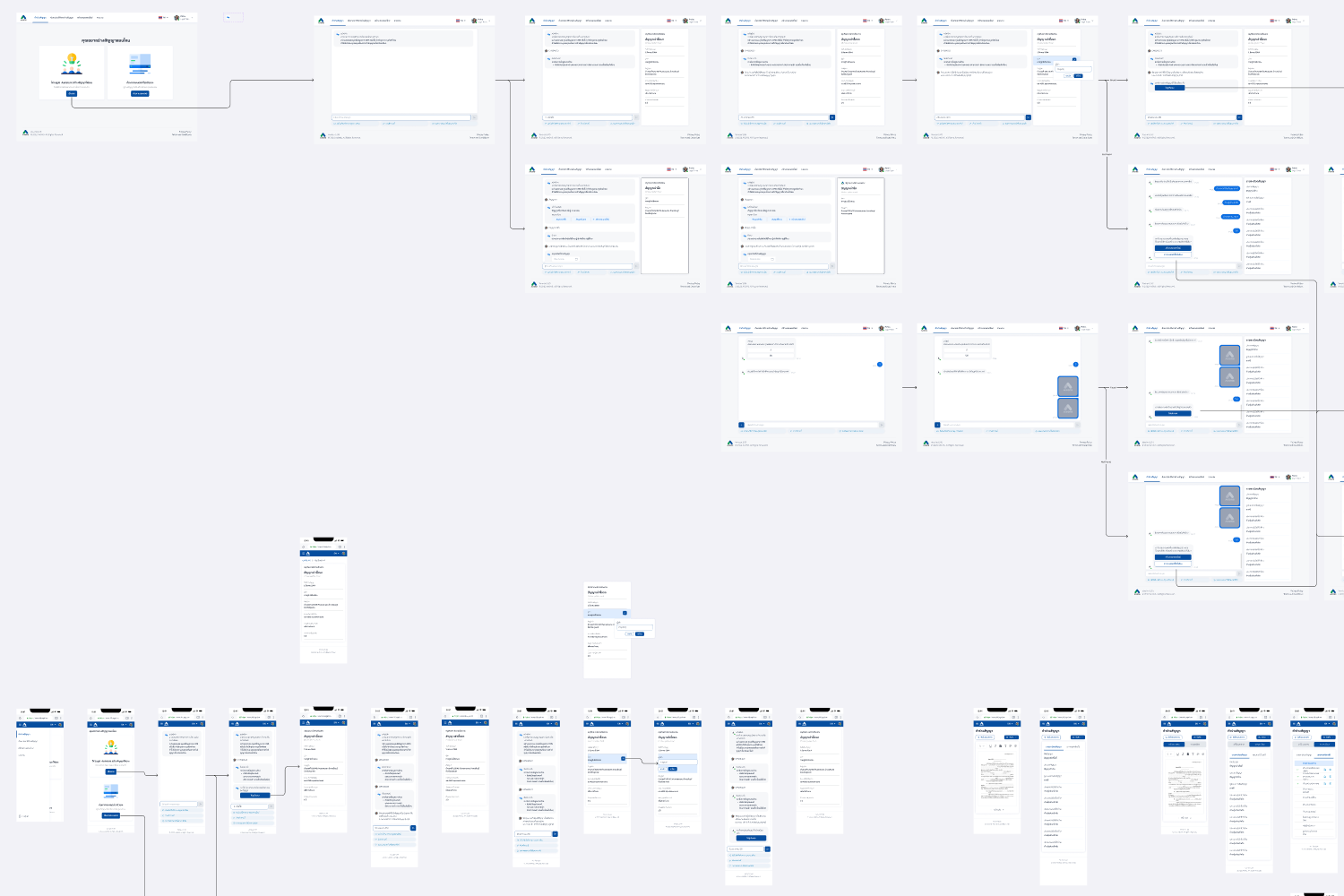
Translated research insights into user flows, lo-fi wireframes, and high-fidelity prototypes in Figma. Designed separate interfaces for legal staff and requesters, covering key features such as AI-assisted contract drafting, inline spell-check with Accept/Dismiss controls, auto-fill from request forms, and a document checklist system.

Validation

Usability testing & Handoff

Ran moderated usability tests with real users from each group, capturing both behavioral observations and qualitative feedback. Iterated on the design based on findings, then prepared a complete handoff package for the development team — including annotated specs, interaction notes, and edge case documentation.

[interface] image of hr software in action (for a hr tech)